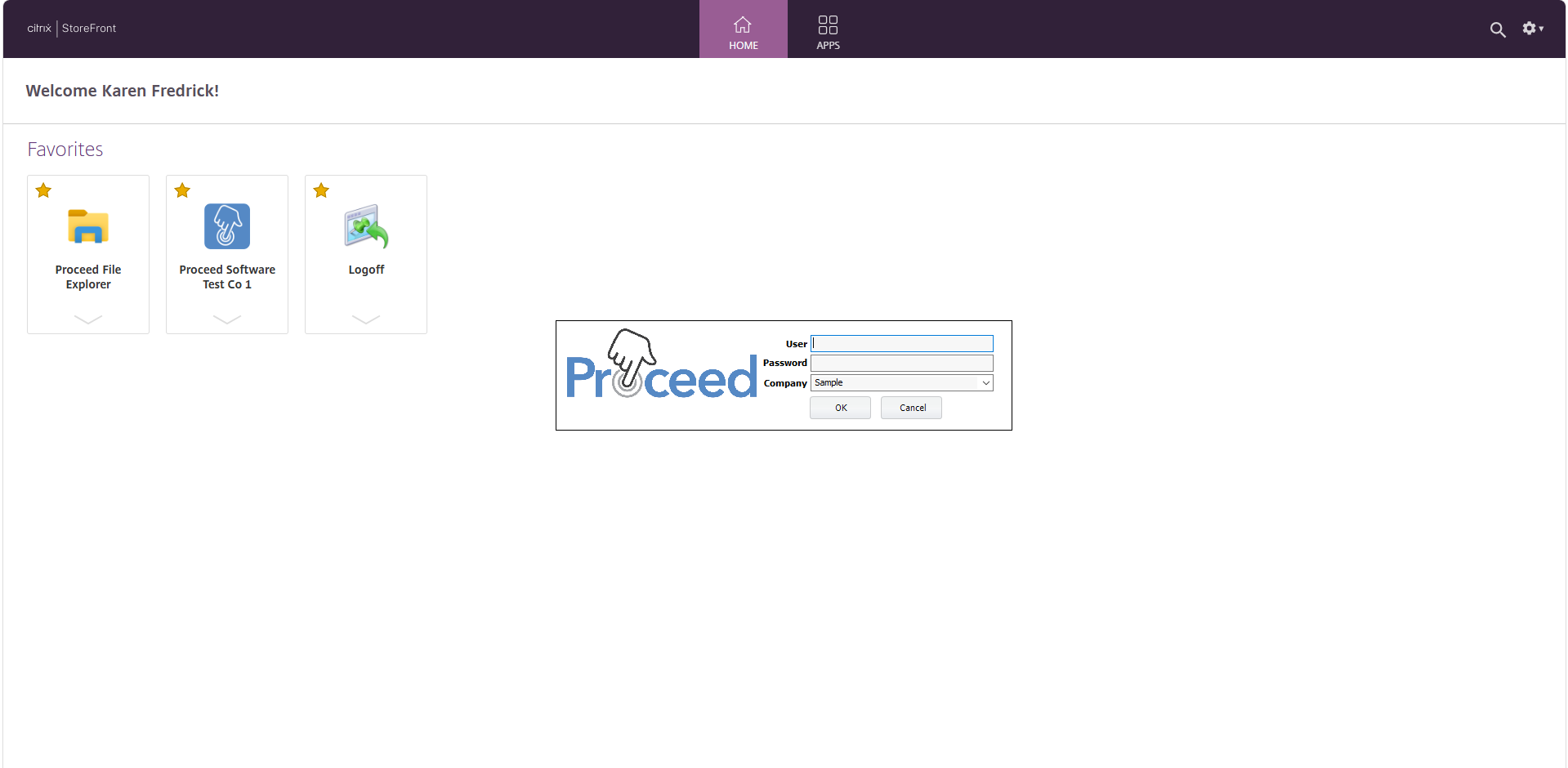
This article describes how to log into Proceed Software when it's hosted by World Wide Networking Solutions.
1 Answers
Here are the steps to log into Proceed Software on Citrix.
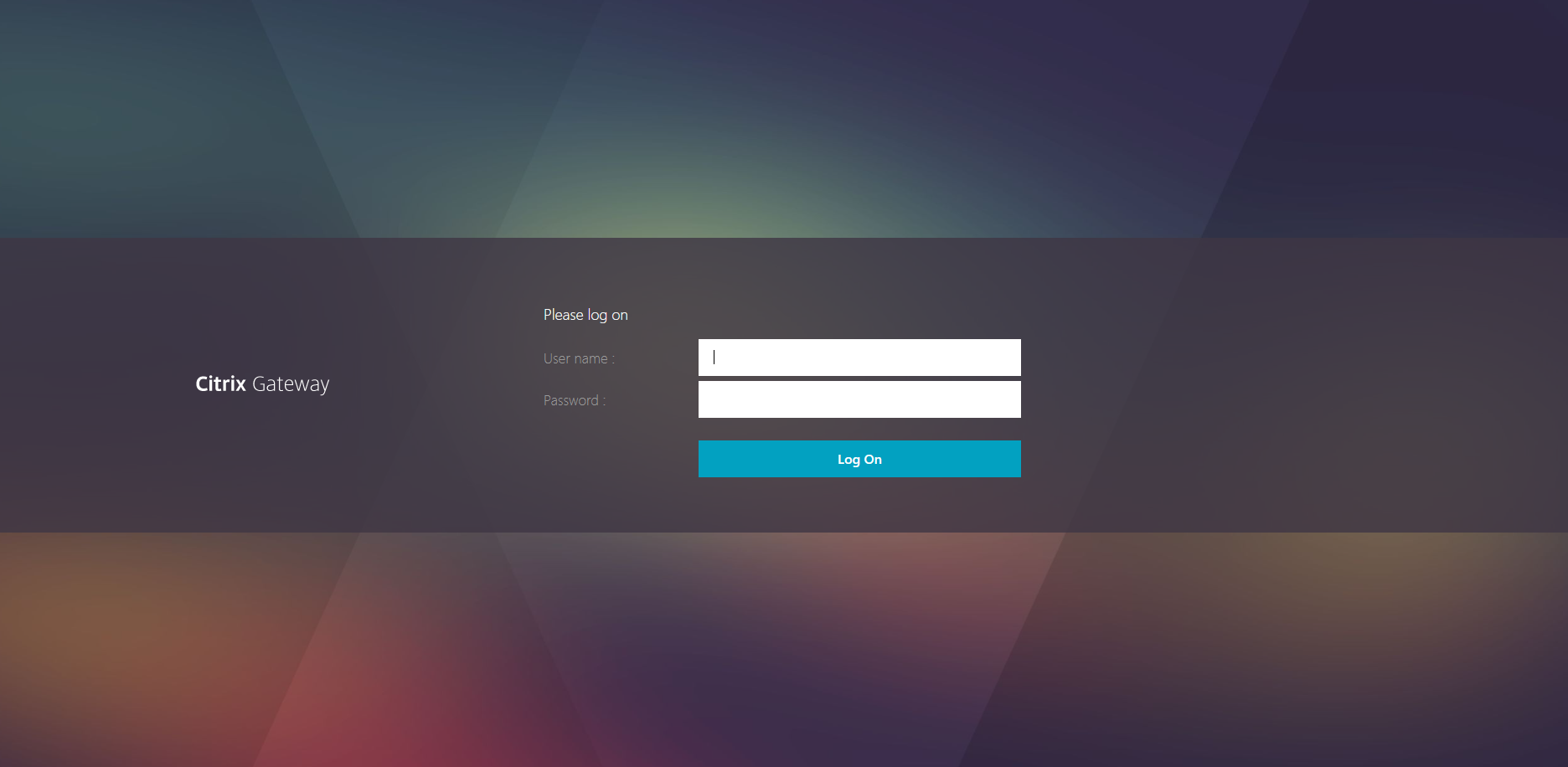
- To login to Citrix, go to this link: https://daas.wwnetsol.com/logon/LogonPoint/index.html
- Enter your username and password, given to you by your Citrix Hosting Provider.
- Click "Log On".
- You'll then be prompted to complete an additional Multiple Factor Authentication (MFA) from DUO.
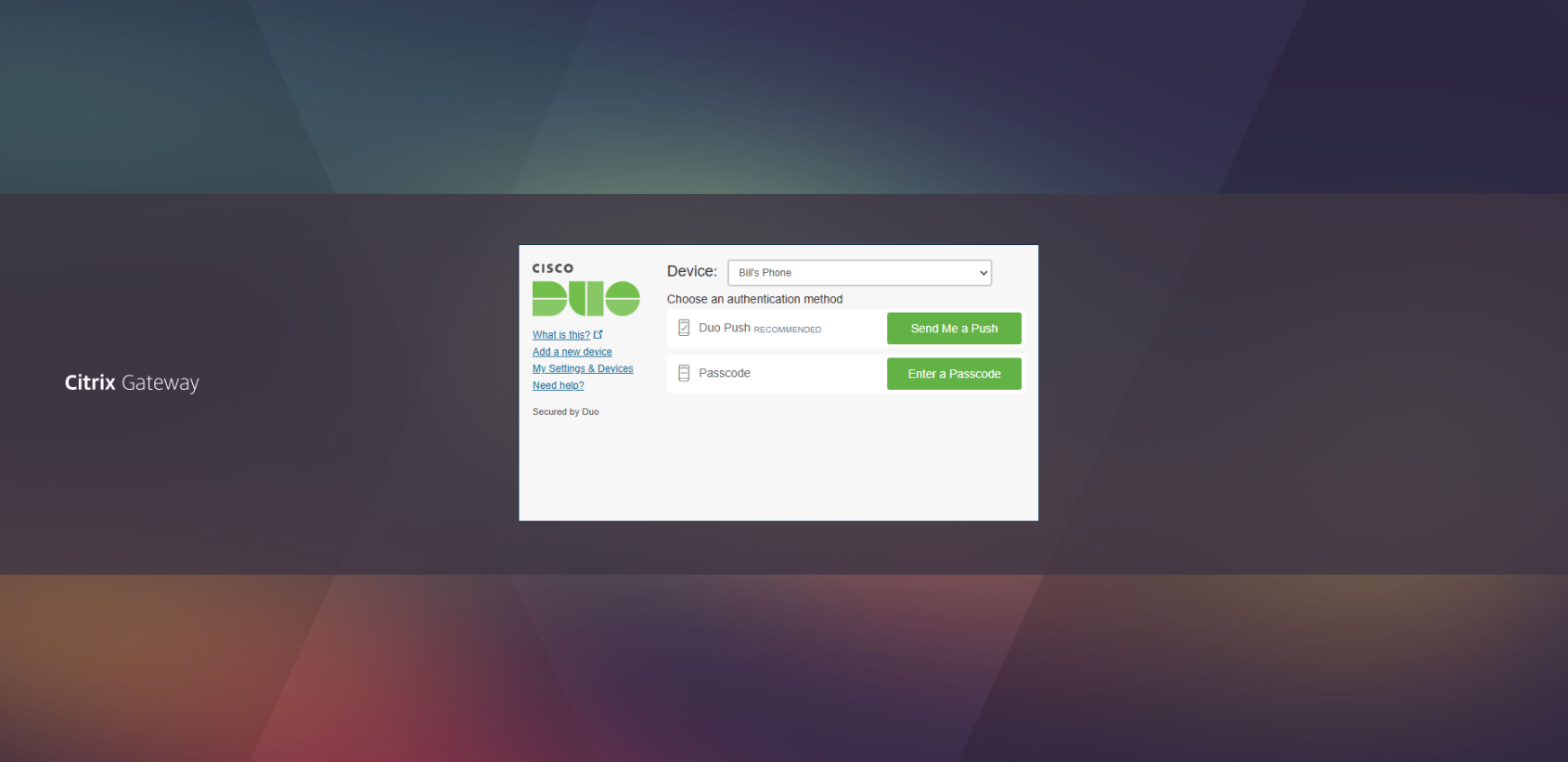
- Go into the DUO app on your mobile device and click "Approve" to be allowed into the application.
- You are now logged into Citrix, and can login to Proceed Software.
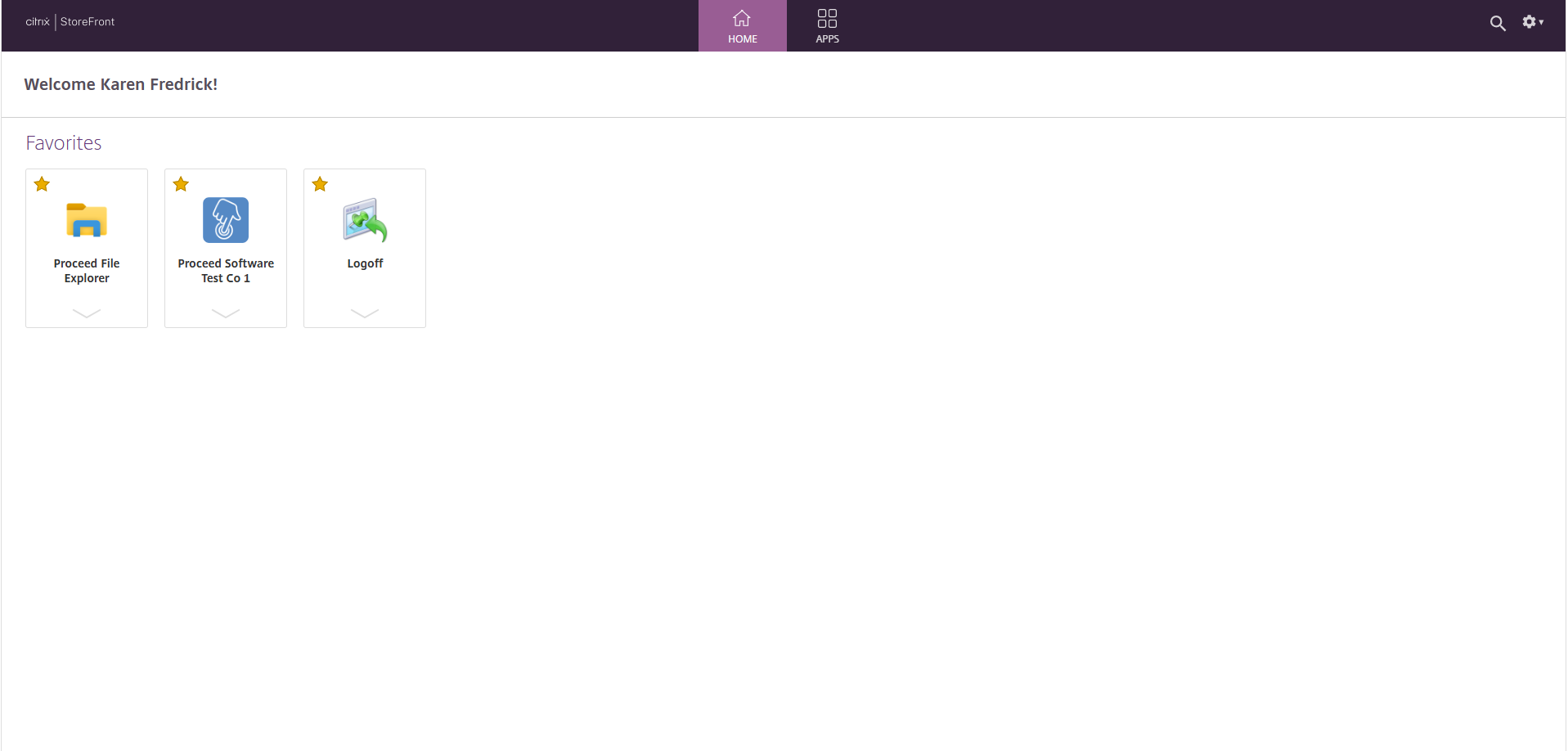
- To launch Proceed Software, click on the Proceed logo from your dashboard. The application will load, then prompt you enter your Proceed username and password (this will be different from your Citrix login credentials). Click "OK" and you'll be logged into Proceed.