
This article explains how you can track and manage seed sizes in Proceed Software.
1 Answers
You can track both Seed Size at the Item level and the Lot level.
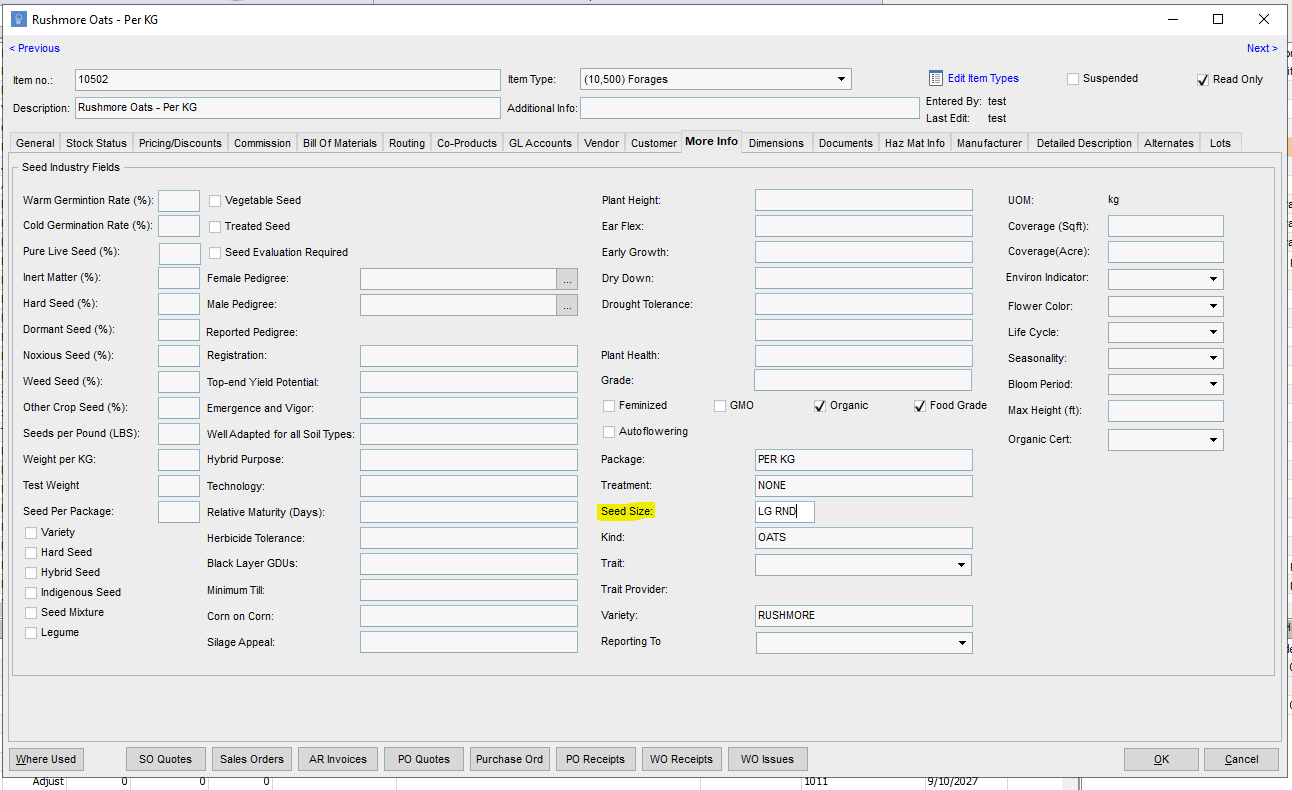
At the Item level, you'll add this value from the "More Info" tab. This information will show up on some reports.
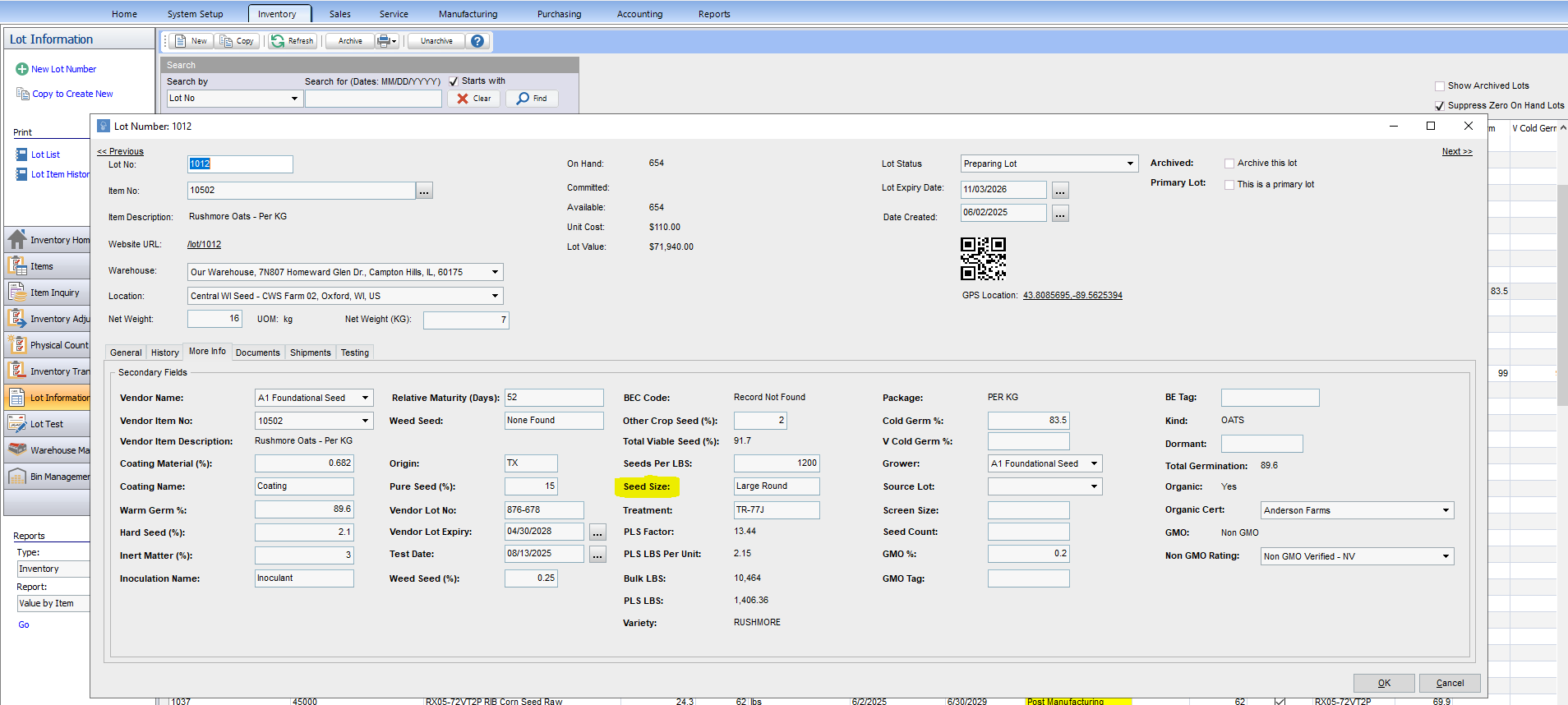
But Seed Size at the lot level will percolate throughout the software more and will like be the primary area of focus if you want to track Seed Size.
As you sort and grade your seed, you can assign the “Seed Size” as an attribute of the Lot Number so that when you choose a Lot Number for mixing or shipping or viewing the stock status of item, you can view the Seed Size within the system. This further helps the Seed Company ensure that the Customer (Grower) is getting the right sized seed for their farm and planter.
If you're interested in learning about how to manage a Customer's individual seed size preferences, click here.