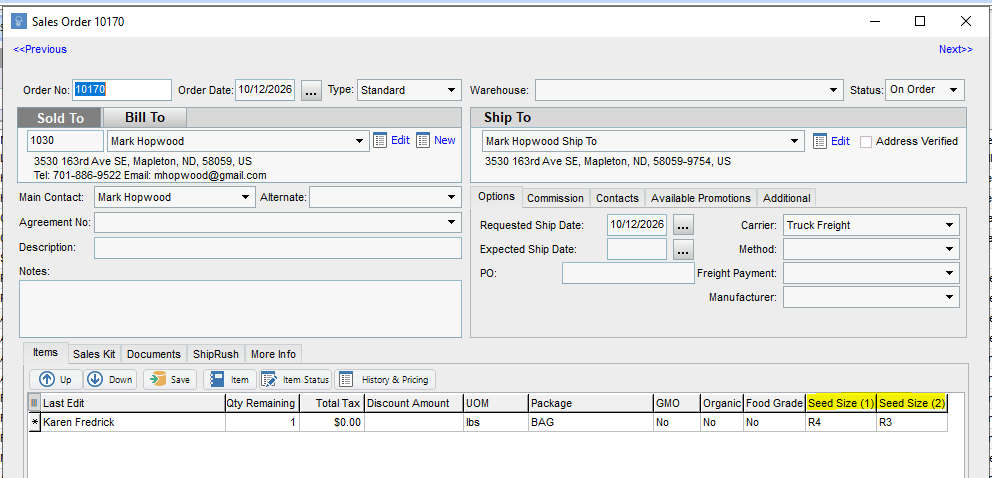
This article is about how to manage a customer who has specific seed size preferences that they want.
1 Answers
If you have a customer who has specific Seed Size preferneces, you can store and track this information in Proceed.
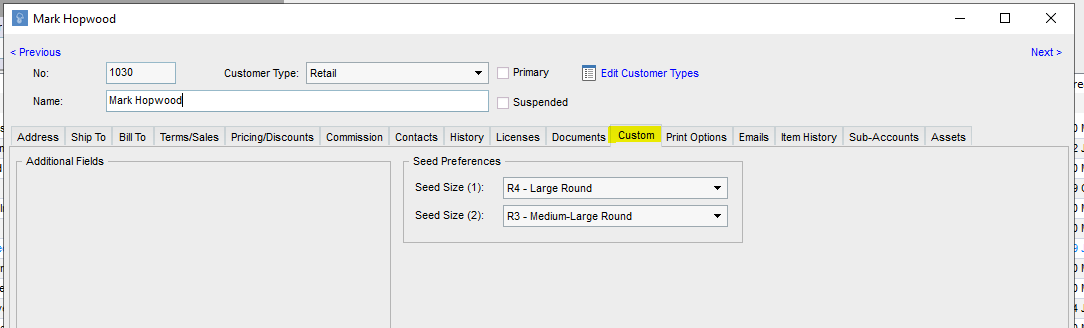
Go to the Edit screen for the Customer who you want to add Seed Size preferences for. Go to the Custom tab. Here, there is a section where you can pick the customers first and second choices for seed size. These are the sizes your team would prioritize when fulfilling the customer's orders.
These preferences will come through on the Sales Quote and Sales Order screens as well.