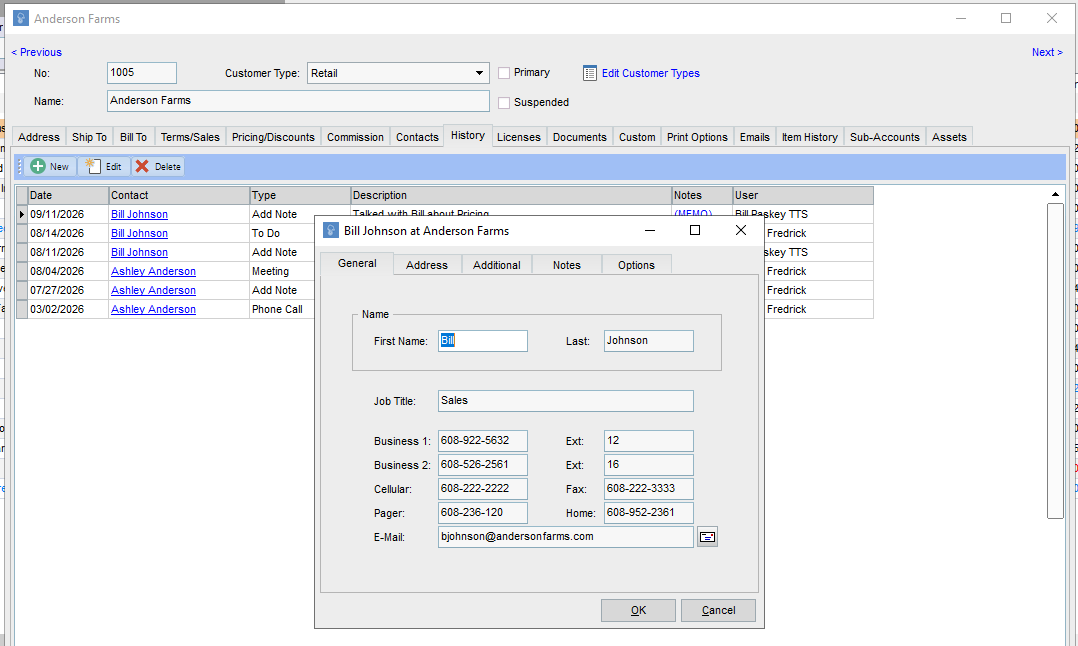
This article explains how multiple users can keep notes for Customers.
1 Answers
If you are looking to track and manage notes on a customer, go to the "History" tab on the Edit Customer screen.
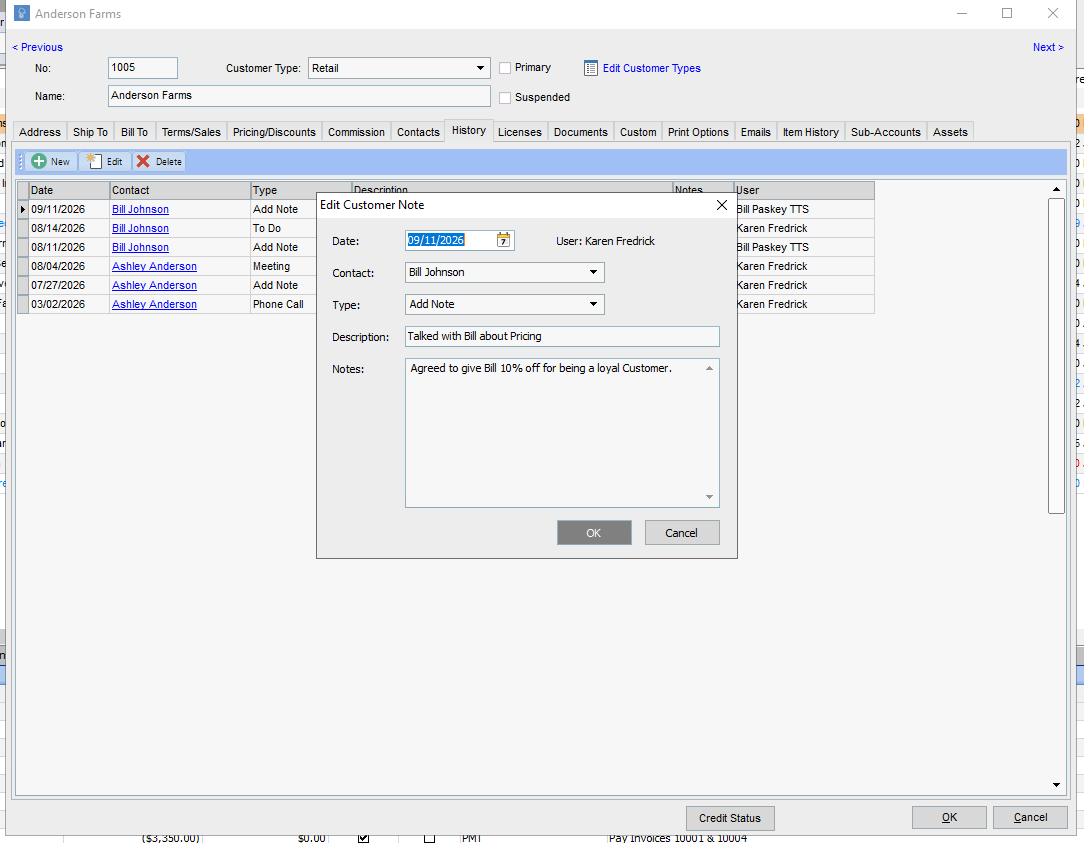
Here you can view, edit, and add a note about the customer. Add the date, contact, type of note (which could be a generate note, a phone call, meeting, or an action item), and a quick description and any additional notes or comments you want to save.
This is the Edit Note screen, which you can access by selecting the record you want to access and clicking "Edit".
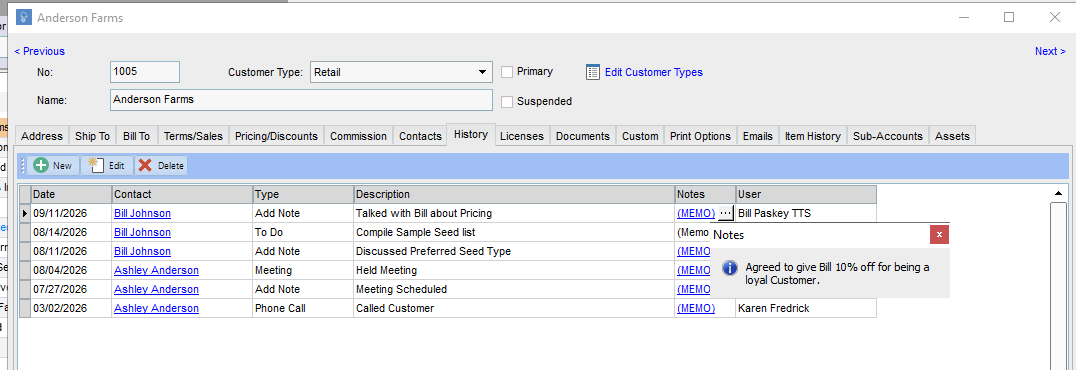
You click on the Memo hyperlink under the Notes column, where you can quickly view the notes without opening the edit window.
The contact hyperlink will pull up their details, if you want to access that information in a pinch.